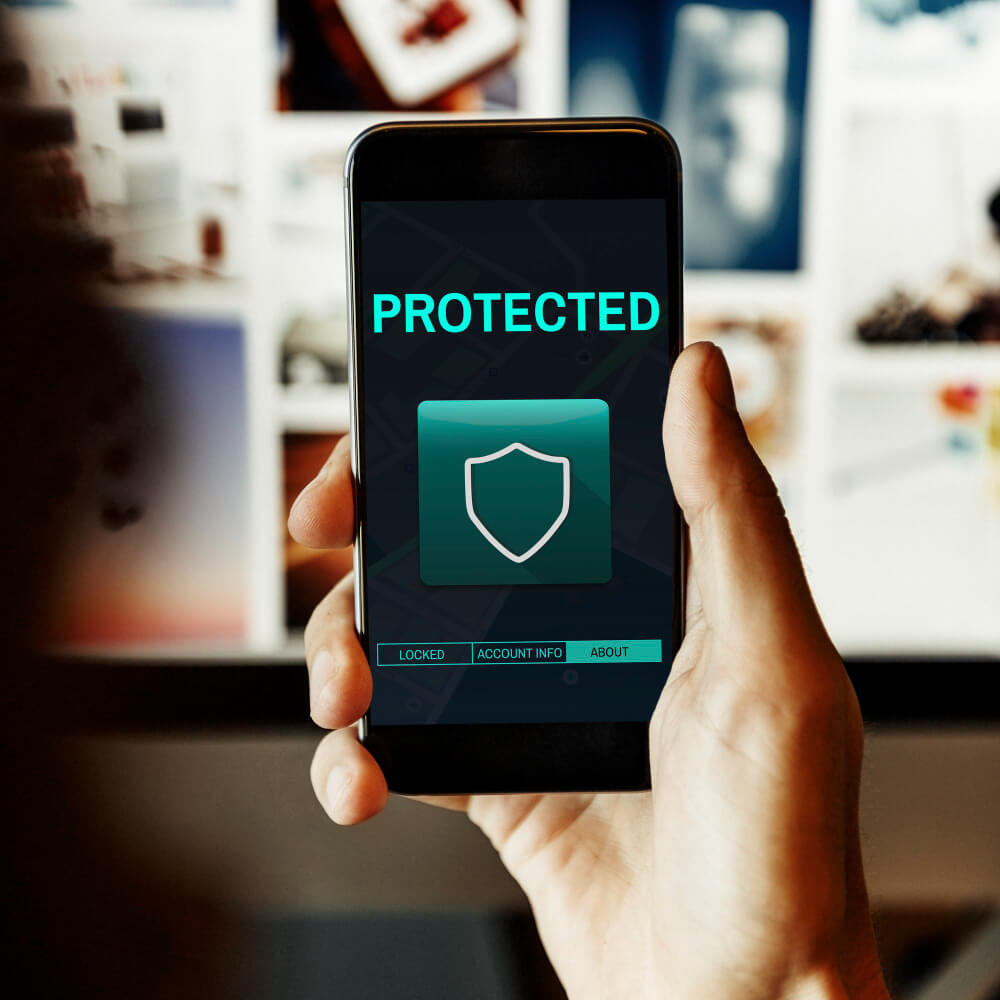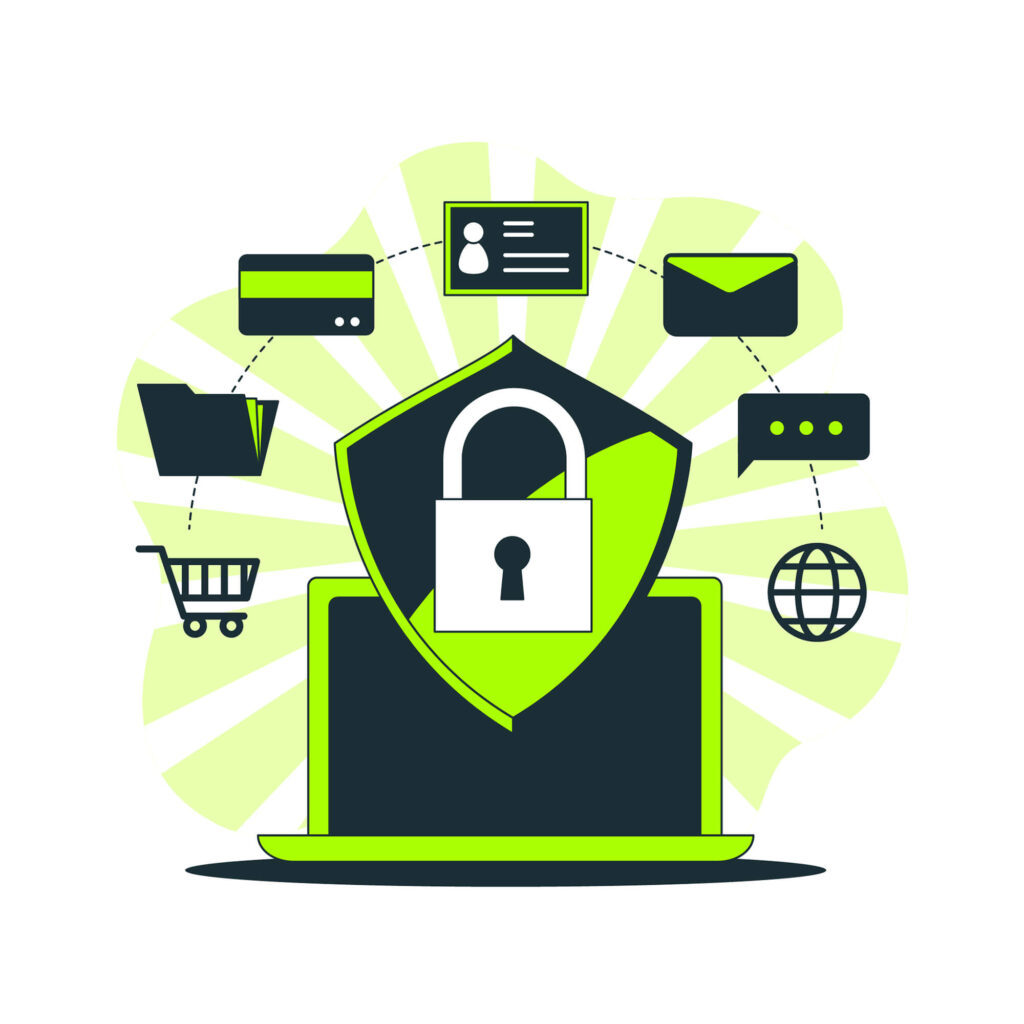
cybersecurity-image

Essential Cybersecurity: How Comprehensive Protection Shields You from Modern Threats

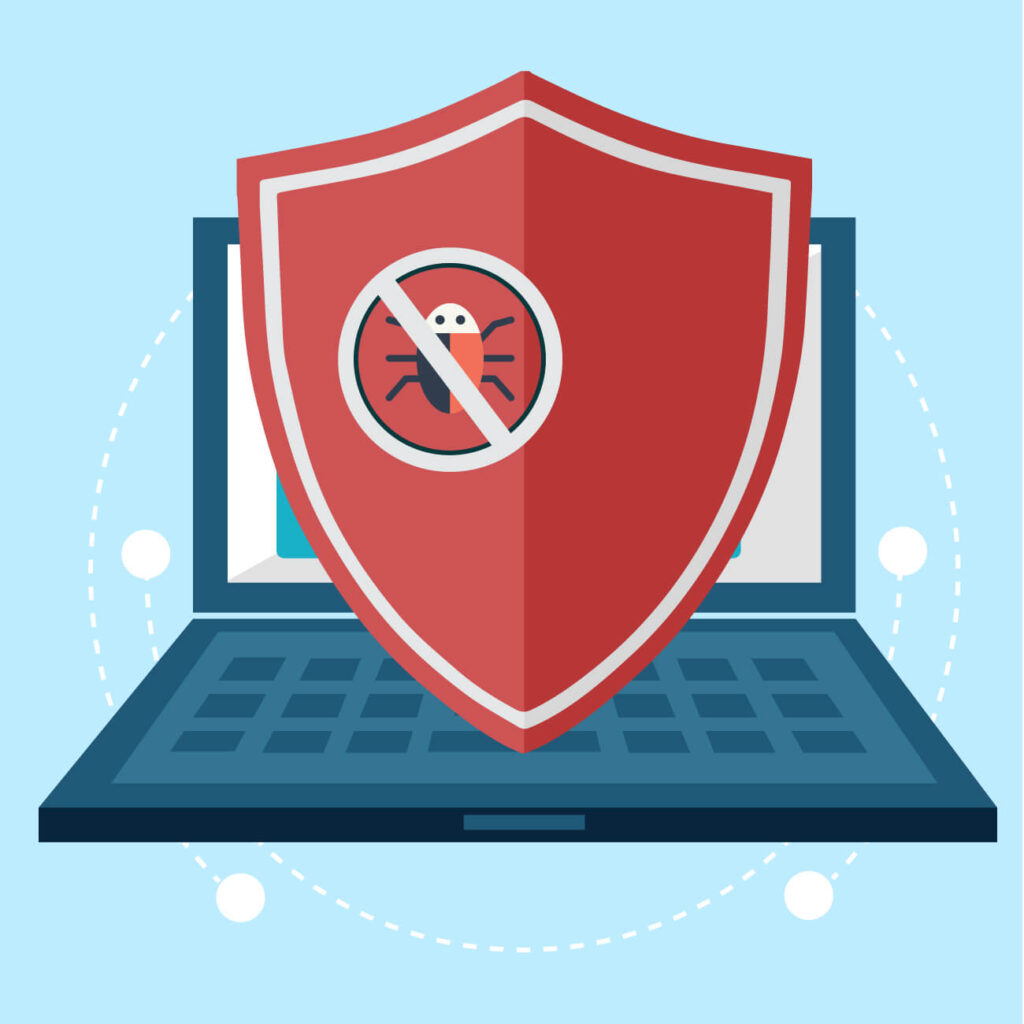
In today’s digital landscape, cybersecurity has become more essential than ever. With cyber threats constantly evolving, ensuring comprehensive protection against viruses, spyware, ransomware, and malicious websites is critical. Businesses and individuals alike are at risk, and safeguarding devices is no longer just a precaution—it’s a necessity.

Understanding Today’s Cyber Threats

Modern threats like malware, phishing, spyware, and Trojans don’t just target computers. They infiltrate smartphones, tablets, Wi-Fi networks, and other smart devices, putting personal and financial data at risk. These malicious attacks often operate silently in the background, gathering information, tracking behavior, and compromising security.

For example, phishing attacks attempt to deceive users into sharing sensitive data like passwords or financial information, often through emails that mimic legitimate sources. Malware, meanwhile, can gain unauthorized access to a device’s system, collecting valuable data or even holding it ransom until a fee is paid. As cybercriminals develop more sophisticated techniques, traditional security measures may no longer be enough.

Benefits of Comprehensive Cybersecurity Solutions

The best defense against modern cyber threats is a layered approach that provides real-time scanning, blocking, and removal of malicious entities. Effective cybersecurity software will:

  • Detect Malware: Identify and neutralize malware before it has a chance to install or infect the system.
  • Block Phishing Sites: Prevent users from accessing fraudulent websites that try to steal information.
  • Monitor Wi-Fi Security: Secure connections to ensure safe browsing, even on public or shared networks.
  • Remove Potential Threats: Regularly clean the system of any dormant threats, from spyware to adware.
  • Provide Real-Time Alerts: Inform users of any suspicious activities to stop threats before they escalate.

These multi-layered defenses combine to shield users from a wide range of potential attacks, creating a protective barrier around sensitive data.

Introducing Avast Premium Security

For those looking for advanced protection, Avast Premium Security offers a comprehensive solution to address today’s cybersecurity needs. With robust tools to detect, block, and remove all types of malware—including viruses, spyware, and Trojans—Avast Premium Security defends every aspect of your digital life. Additionally, it monitors Wi-Fi security, helps detect phishing attempts, and keeps all your devices secure. Best of all, Avast Premium Security extends these defenses across up to ten devices, providing families and small businesses with high-quality protection across various devices.

Click here to secure your digital world with Avast Premium Security and experience peace of mind through real-time protection and advanced features.


block-website-image

Top Strategies to Block Phishing and Avoid Fake Websites

The internet has become a space of endless possibilities, but it also brings its own set of risks, including phishing and fake websites. These threats can compromise personal data, financial information, and even entire devices. Phishing emails and fake websites are more sophisticated than ever, making it essential to adopt smart strategies to protect yourself from falling into their traps. Here’s a guide on how to stay vigilant and protect your online safety.

1. Be Skeptical of Unexpected Emails and Links

Phishing attacks often start with an email or message that appears legitimate, frequently mimicking well-known companies, banks, or even friends. Look out for language that creates a sense of urgency, like “Your account will be locked!” or “Act Now!”. When in doubt, avoid clicking on the link directly. Instead, go to the official website and log in to check any notifications there.

2. Inspect URLs Closely

Fake websites often have URLs that look almost identical to real ones, with subtle differences like missing letters or added hyphens. Before clicking a link or entering sensitive information, always double-check the URL. Secure websites should start with “https://” – the “s” stands for secure, indicating that the website uses encryption to protect data.

3. Use Two-Factor Authentication (2FA)

Many online accounts offer 2FA, which adds an extra layer of security. By requiring a second form of verification, like a text message or email code, even if someone else has your password, they won’t be able to access your account without the additional code.

4. Update Your Security Software Regularly

Security software protects you in real-time from known threats, but these threats are constantly evolving. Regular updates ensure that your software is equipped to detect and block new threats. Look for a security tool that offers continuous monitoring to keep your devices safe at all times.

5. Activate Anti-Phishing and Web Protection Tools

Many advanced security solutions now offer specific anti-phishing and web protection features. These tools scan links and emails before you click on them, blocking suspicious sites and warning you about potential threats. They also keep your personal data safe by blocking fake websites that try to steal your information.

Discover Enhanced Online Protection

For those looking for a comprehensive solution, Avast Premium Security offers robust defenses against phishing and fake websites. With Avast, you gain real-time protection, anti-phishing features, and web shield security, which together provide a powerful line of defense against cyber threats. Avast Premium Security automatically blocks dangerous sites, provides enhanced privacy tools, and continuously updates to tackle the latest risks.

Stay safe and secure online by investing in the right protection tools! Want to learn more? Click here for Avast Premium Security and safeguard your online experience today.

Data Breach Image

Essential Tools for Safe Online Shopping and Banking

With online shopping and banking becoming more convenient than ever, security concerns are also rising. Cyber threats, phishing schemes, and malicious sites constantly evolve to exploit unsuspecting users. But by following a few best practices and utilizing robust security tools, you can enjoy the ease of online transactions without compromising your safety.

1. Use Strong, Unique Passwords

The first line of defense against cybercriminals is a strong, unique password for each of your accounts. Avoid reusing passwords across sites, especially for banking or shopping. To make this easier, consider using a password manager that securely stores all your passwords.

2. Enable Two-Factor Authentication (2FA)

Two-factor authentication provides an additional layer of security for your accounts by requiring a second form of verification beyond your password, such as a code sent to your phone. Enabling 2FA on your banking and shopping accounts is an effective way to protect against unauthorized access, even if your password is compromised.

3. Beware of Phishing Scams

Phishing scams, often disguised as legitimate emails or texts, are designed to trick you into providing sensitive information. Before clicking on any links, carefully inspect the sender’s address and look for any unusual requests, such as asking for personal or financial information. When in doubt, visit the company’s website directly by typing the URL into your browser rather than clicking a link.

4. Secure Your Wi-Fi Connection

Connecting to public Wi-Fi can leave your data vulnerable to attackers who may be lurking on the same network. When banking or shopping online, use a secure, private Wi-Fi connection or a VPN to protect your data by encrypting your online traffic and concealing your IP address.

5. Choose Trusted Security Software

To ensure continuous protection, invest in reputable security software that provides real-time monitoring, malware detection, and a suite of privacy tools. Look for software that scans your device for phishing threats, blocks unsafe websites, and removes malware.

Why Avast Premium Security is the Perfect Tool for Online Safety

With Avast Premium Security, you get peace of mind knowing that all your online shopping and banking transactions are secure. It offers advanced antivirus protection, identifying and blocking malware, spyware, and phishing threats in real time. This software also features Wi-Fi security to protect your network and detects suspicious activities to keep online attackers at bay.

Protect yourself against malicious websites and phishing scams that can lead to identity theft. Avast Premium Security gives you the tools to shop and bank online confidently.

Click here for the product and start experiencing the difference in secure online transactions.

performance-img

Essential Tips for Keeping Your PC Secure and Running Smoothly

In today’s connected world, keeping your personal information secure and ensuring that your PC runs smoothly has never been more important. From managing sensitive data online to storing important documents on your device, you need to take proactive steps to maintain both security and performance.

But where do you begin? Whether you’re trying to boost your device’s speed or protect it from malware, a few simple strategies can go a long way.

Top Strategies to Improve PC Performance and Security

  1. Regularly Update Your Software
    One of the simplest and most effective ways to keep your PC secure is to ensure that your operating system, antivirus, and all installed software are up to date. Regular updates are crucial as they often come with essential security patches that safeguard your system from emerging threats.
  2. Use Strong, Unique Passwords for Each Account
    Password security is often overlooked, but it’s critical in protecting your online accounts. Create strong, unique passwords for each of your accounts and use a password manager to keep them organized.
  3. Install a Reliable Antivirus
    Antivirus software is your first line of defense against malware, ransomware, and phishing attacks. Choose a solution that offers real-time protection and is regularly updated to defend against new threats.
  4. Clear Out Unnecessary Files
    Over time, your computer can become cluttered with unnecessary files, unused programs, and other digital debris. This not only slows down your system but can also create vulnerabilities. Regularly use a clean-up tool to free up space and improve performance.
  5. Protect Your Online Privacy with a VPN
    Whenever you browse the web, your online activity can be tracked by advertisers, internet service providers, and even cybercriminals. A VPN (Virtual Private Network) encrypts your internet connection, ensuring your data stays private.

One Solution to Handle It All

For those who don’t want to manage multiple tools or subscriptions to secure and optimize their PC, there’s a solution that offers comprehensive protection and performance enhancement in one package.

Introducing Avast Ultimate for Windows—the all-in-one solution that provides everything you need to keep your computer secure and running at its best. With Avast Ultimate, you get:

  • Avast Premium Security to protect your PC from malware, including viruses, ransomware, and phishing threats.
  • Avast SecureLine VPN to secure your internet connection and keep your online activity private.
  • Avast Cleanup Premium to clean up junk files and improve your computer’s speed and performance.
  • Avast Passwords Premium to securely store and manage all your passwords in one place.

Why juggle multiple subscriptions when you can get everything you need in one powerful package?

Click here to discover Avast Ultimate for Windows and give your PC the ultimate protection and performance boost it deserves.

image2222

How to Boost Your Online Security and Optimize Your PC Performance

In today’s fast-paced digital world, we rely on our computers for almost everything—from handling personal finances to managing work tasks and keeping up with family and friends. As we become more dependent on technology, ensuring that our devices remain secure and perform at their best is critical. Cyber threats such as malware, ransomware, and identity theft are growing more sophisticated, and our PCs can quickly become bogged down by unnecessary files and sluggish performance.

The Importance of Comprehensive Protection and Maintenance

When it comes to protecting your devices, you need more than just a basic antivirus. Cybercriminals are constantly finding new ways to exploit vulnerabilities, and if you’re not vigilant, your sensitive information could be at risk. But security is only one piece of the puzzle—keeping your PC running smoothly also requires regular maintenance to remove junk files, manage your system’s resources, and ensure optimal performance.

What should you be looking for in a solution? Ideally, you want something that provides:

  • Robust malware protection: Shield your PC from ransomware, spyware, and other threats.
  • Privacy tools: A VPN that ensures your online activities are private and secure.
  • Performance optimization: Tools to clean up unnecessary files and enhance the speed of your device.
  • Comprehensive management: A solution that offers all of these features in a single, user-friendly package.

How to Optimize Both Security and Performance

The good news is that it’s possible to address all of these needs without installing multiple different programs. Here are a few essential steps for ensuring your PC stays both secure and running efficiently:

  1. Use Advanced Antivirus Software
    Invest in an antivirus that not only blocks traditional viruses but also fights off more advanced threats like ransomware and phishing attacks.
  2. Secure Your Online Privacy with a VPN
    A VPN (Virtual Private Network) is an essential tool for hiding your IP address and ensuring that your online activity is encrypted, keeping you safe from prying eyes.
  3. Regularly Clean Up Your System
    Over time, your PC accumulates unnecessary files, unused programs, and browser clutter that can significantly slow down performance. Use a reliable clean-up tool to regularly scan and remove these files.
  4. Manage Your Passwords Safely
    With so many online accounts, it’s difficult to keep track of complex passwords. A password manager can help you generate and securely store your credentials.

Simplify Your Protection and Maintenance with Avast Ultimate

For users looking for an all-in-one solution, Avast Ultimate for Windows offers everything you need in one convenient package. Avast Ultimate bundles four essential tools into a single subscription:

  • Avast Premium Security: Protect your PC from all types of malware, including ransomware and phishing attacks.
  • Avast SecureLine VPN: Safeguard your online activities with an encrypted connection, ensuring true privacy and anonymity online.
  • Avast Cleanup Premium: Boost your PC’s speed and performance by removing junk files, redundant programs, and system bloat.
  • Avast Passwords Premium: Securely store and manage all of your passwords in one place.

With Avast Ultimate, you no longer need to juggle multiple subscriptions or worry about missing critical security updates. Everything you need to protect and optimize your PC is included in one easy-to-manage bundle, helping you save time, money, and headaches.

Click here to get Avast Ultimate for Windows and enjoy peace of mind knowing that your PC is both secure and running at peak performance.

2147985390 (1)

How to Keep Hackers at Bay and Stay Safe Online

In today’s hyper-connected world, online security is more important than ever. With cyber threats like phishing, ransomware, and identity theft on the rise, protecting your personal data and devices should be a top priority. Cybercriminals are always inventing innovative tactics to exploit system weaknesses, making it essential for both individuals and organizations to remain proactive in their defense strategies.

Fortunately, there are several effective strategies you can adopt to strengthen your defenses and keep hackers at bay.

1. Use Strong, Unique Passwords

One of the simplest yet most effective ways to safeguard your online accounts is by using strong, unique passwords for each one. A mix of upper and lowercase letters, numbers, and special characters can make your passwords harder to crack. Steer clear of predictable phrases or easy-to-guess words, and always ensure that each account has a distinct password. If managing multiple passwords feels overwhelming, consider using a password manager to generate and store complex passwords securely.

2. Enable Two-Factor Authentication (2FA)

Two-factor authentication (2FA) adds an extra layer of security to your accounts by requiring not only your password but also a second form of verification, such as a text message or authentication app. This means that even if a hacker gains access to your password, they won’t be able to log in without the second verification step.

3. Stay Wary of Phishing Scams

One of the most prevalent methods cyber attackers use to gather sensitive data is through phishing scams, which target unsuspecting users. These scams usually come in the form of emails or text messages that appear to be from legitimate companies, asking you to click on a link or provide sensitive information. Always verify the source of any message before clicking on links or downloading attachments. If an email looks suspicious, it probably is.

4. Keep Your Software Up to Date

Software updates often contain patches for security vulnerabilities that hackers could exploit. Whether it’s your operating system, browser, or antivirus software, regularly updating your devices helps protect them from known threats. Set your devices to automatically update so you don’t have to worry about missing important security patches.

5. Use a Comprehensive Security Solution

While following the best security practices can greatly reduce your risk, it’s important to have a reliable security solution that offers real-time protection against the latest threats.

This is where AVG Internet Security Unlimited comes in. As a robust and comprehensive security solution, it provides advanced features designed to protect you from hackers and cyber threats. With Ransomware Protection and Webcam Protection, it keeps your personal files, photos, and privacy safe from malicious attacks. Plus, with protection across unlimited devices—including PCs, Macs, and Android—you can ensure that all your devices are secure at all times.

For maximum protection, AVG Internet Security Unlimited includes:

  • AVG Internet Security for Windows: Complete antivirus protection that stops ransomware, viruses, and spyware.
  • AVG AntiVirus PRO for Android: Mobile security that protects against malware and theft, while optimizing your device’s performance.
  • AVG AntiVirus for Mac: Safeguards your Mac from phishing, malware, and other online threats.

By combining industry-leading features with real-time updates, AVG Internet Security Unlimited ensures that you stay ahead of the latest threats and enjoy complete peace of mind.

Click here to protect your devices with AVG Internet Security Unlimited today!

Stay vigilant, follow these security tips, and equip yourself with the right tools to stay safe online. The digital world can be risky, but with the right defenses, you can keep hackers at bay and safeguard your personal information.


phone-image1

How to Keep Your Android Device Safe from Viruses and Spyware with Avast Mobile Security

In today’s fast-paced digital world, protecting your mobile device from online threats is more important than ever. With cybercriminals increasingly targeting smartphones, keeping your data safe from viruses, malware, and spyware should be a top priority. Fortunately, Avast Mobile Security – Ultimate offers a comprehensive solution designed to shield your Android device from all kinds of digital dangers.

Understanding the Threats

Your mobile phone is a treasure trove of personal information—emails, photos, banking apps, and even private conversations. Without robust security, your sensitive data could be at risk of being exploited. Malware can find its way into your phone through malicious apps, suspicious links, and unsecured Wi-Fi networks, posing threats like data theft, device malfunction, and unauthorized access to your information.

How Avast Mobile Security Can Help

Avast Mobile Security – Ultimate is a top-tier security suite that defends your Android device from viruses, spyware, and other harmful threats. Let’s take a closer look at how it works to keep you safe:

  1. Advanced Virus and Malware Protection: Avast Mobile Security Premium scans your device for harmful content, detecting and blocking viruses, spyware, and ransomware. Its real-time protection keeps your phone safe from evolving cyber threats.
  2. App Insights: The app provides detailed insights into the apps installed on your phone, helping you detect any potential risks from data-hungry or malicious apps. This feature gives you peace of mind knowing which apps are accessing sensitive information.
  3. Anti-Theft Protection: If your device is lost or stolen, Avast Mobile Security helps track your phone’s location, lock it remotely, or even wipe sensitive data to prevent unauthorized access.
  4. Wi-Fi Security: Avast automatically scans Wi-Fi networks to detect vulnerabilities. It alerts you when you connect to unsafe networks, reducing the risk of hackers accessing your personal data.
  5. Web Shield: Avast’s Web Shield blocks malicious links and dangerous websites, preventing malware from getting onto your phone through your web browsing activities.

A Full Suite for Complete Protection

Avast Mobile Security – Ultimate doesn’t stop at protecting you from viruses. It goes a step further by optimizing your phone’s performance. With Avast Cleanup Premium, you can free up valuable storage space, remove unnecessary files, and extend your battery life.

To add an extra layer of security, Avast SecureLine VPN ensures your online privacy by encrypting your internet connection. This feature hides your IP address, allowing you to browse the web anonymously and securely, even on public Wi-Fi.

Conclusion

In a world where your mobile phone is constantly exposed to cyber threats, Avast Mobile Security – Ultimate offers peace of mind by keeping your device safe and performing at its best. With Avast’s all-in-one mobile protection, you can enjoy a fast, secure, and private digital experience.

Click here to get Avast Mobile Security – Ultimate today and protect your Android device from the digital dangers of tomorrow!

Buy And Download Avast Business Premium Remote Control

The Importance of Secure Remote Access for Modern Businesses

In today’s fast-paced digital landscape, the ability to securely access devices and systems remotely is more critical than ever. Businesses are increasingly relying on remote work setups, distributed teams, and flexible work environments. However, with this growing trend comes the heightened risk of cyber threats, data breaches, and unauthorized access. For modern businesses, ensuring secure remote access isn’t just a convenience—it’s a necessity for maintaining operational continuity, safeguarding sensitive data, and preserving customer trust.

Why Secure Remote Access is Essential

  1. Protecting Sensitive Business Data
    • Many organizations handle sensitive information such as customer data, financial records, and intellectual property. Without proper security measures, remote access could expose these valuable assets to cybercriminals. Solutions like Avast Business Premium Remote Control ensure that all remote connections are encrypted, providing a secure channel that prevents data interception and unauthorized access.
  1. Supporting a Distributed Workforce
    • As remote work continues to become the norm, businesses need secure ways to provide IT support to employees no matter where they are located. A robust remote access solution enables IT administrators to troubleshoot issues, install updates, and manage systems without requiring physical access to the devices. This reduces downtime and ensures that business operations run smoothly, even with employees spread across various locations.
  1. Maintaining Network Security
    • When employees work remotely, they often access company resources via personal or public networks, increasing the likelihood of vulnerabilities. Secure remote access tools like Avast Business Premium Remote Control come equipped with advanced network security features, such as firewalls and monitoring, which can detect suspicious activity and prevent unauthorized access to the company’s network.
  1. Improving IT Support Efficiency
    • IT support teams need the ability to quickly and efficiently solve technical issues to minimize disruptions. With secure remote access, they can instantly connect to employees’ devices, troubleshoot problems, and provide real-time assistance. This reduces the need for lengthy support calls and eliminates the need for on-site visits, allowing IT departments to focus on other critical tasks.
  1. Ensuring Compliance with Industry Regulations
    • Various sectors, including finance and healthcare, must adhere to stringent data protection regulations to ensure compliance and safeguard sensitive information. Secure remote access solutions play a crucial role in ensuring that businesses remain compliant with these regulations by enforcing encryption protocols, logging remote sessions, and maintaining data integrity. Avast Business Premium Remote Control includes comprehensive session logging, which helps organizations meet auditing requirements and demonstrate compliance.

Avast Business Premium Remote Control: A Secure Solution

Avast Business Premium Remote Control provides a secure and efficient solution for businesses looking to enhance their remote access capabilities. With features like encrypted connections, session recording, multi-monitor support, and centralized management, it offers everything a modern enterprise needs to keep its devices and data secure while supporting remote work.

By investing in a secure remote access tool like Avast Business Premium Remote Control, businesses can protect their sensitive information, improve IT support efficiency, and ensure a seamless remote work experience for employees.

Secure your business operations today with Avast Business Premium Remote Control! Visit here to explore the full suite of security solutions and protect your enterprise.


safeguard-pic

Data Shredding and Encryption: How to Safeguard Your Confidential Business Files

In the digital age, data protection is more critical than ever, especially for businesses that handle sensitive or confidential information. Cyber threats are constantly evolving, and traditional methods of deleting files may not be enough to keep hackers at bay. That’s where advanced cybersecurity features like data shredding and encryption come in.

The Risks of Inadequate Data Protection

When files are deleted in the standard way, they are often not entirely removed from your system. The data remains accessible in certain areas of your storage, making it vulnerable to recovery through specialized software. This is especially dangerous for businesses dealing with sensitive financial information, customer records, or intellectual property. Without proper protection, confidential data could easily fall into the wrong hands, leading to identity theft, data breaches, and financial losses.

What is Data Shredding?

Data shredding is a secure method of permanently erasing files from your system. Unlike regular file deletion, which only removes the reference to the file, data shredding overwrites the actual data multiple times. This process ensures that the information cannot be recovered, even with advanced recovery tools. For businesses, this means complete peace of mind knowing that sensitive files are truly gone for good when they’re no longer needed.

The Importance of Encryption

Encryption adds another layer of security by converting sensitive data into unreadable code, which can only be accessed with a decryption key. This protects your data not only from hackers but also from unauthorized users within your organization. Even if someone gains access to your encrypted files, they won’t be able to make sense of the data without the correct encryption key.

Encryption is particularly important for protecting data that is stored in the cloud, transferred across networks, or shared between multiple devices. For businesses that need to comply with industry regulations such as GDPR, HIPAA, or PCI-DSS, encryption is often a mandatory safeguard to ensure data privacy.

How Avast Business Antivirus Pro Plus – Managed Helps

Avast Business Antivirus Pro Plus – Managed offers both data shredding and encryption as part of its comprehensive suite of security tools. With its data shredding feature, you can securely delete files without worrying about them being recovered. The encryption tools provide an extra layer of protection for your business data, ensuring that only authorized users have access to sensitive information.

In addition to these powerful features, Avast Business Antivirus Pro Plus – Managed also provides real-time protection, advanced threat detection, and centralized management, making it a top choice for businesses looking to strengthen their security posture.

Click here to get Avast Business Antivirus Pro Plus – Managed and ensure your business’s data stays safe from threats!

email-image

Securing Business Communication: The Importance of Email and Web Protection

In today’s digital-first world, businesses rely heavily on email and web-based communication to stay connected with clients, partners, and colleagues. However, these very channels are increasingly vulnerable to cyberattacks, making robust protection crucial for any organization.

Why Email and Web Protection Matter

Email and web traffic are two of the most common gateways for cyber threats to enter your business network. Phishing attacks, malware-laden attachments, and malicious websites can easily compromise sensitive information and disrupt business operations. Hackers often target these entry points to infiltrate systems, steal data, and cause financial loss.

For businesses, one successful breach through an infected email attachment or a compromised website can lead to a wide range of problems, including data loss, reputational damage, and even legal consequences if customer information is exposed. This is why having comprehensive email and web protection is essential.

How Avast Business Antivirus Pro Plus – Managed Secures Your Communication

With Avast Business Antivirus Pro Plus – Managed, your business gains a powerful shield that guards against threats infiltrating through email attachments and web traffic. Here’s how it works:

  1. Email Scanning and Filtering: The solution scans incoming and outgoing emails for malicious content, such as attachments containing malware or phishing links. Suspicious emails are blocked before they reach your employees’ inboxes, keeping your business safe from potential data breaches.
  2. Web Protection: Avast’s web protection feature actively monitors websites for malicious behavior. It blocks access to dangerous websites, preventing employees from inadvertently downloading malware or exposing sensitive information.
  3. Real-Time Threat Detection: As soon as a potential threat is detected, Avast takes immediate action to neutralize it. This real-time protection ensures that even the most sophisticated cyberattacks are stopped before they can cause harm to your business.
  4. Comprehensive Protection Across Platforms: Whether your employees are working on Windows, macOS, or Linux, Avast Business Antivirus Pro Plus – Managed offers unified security across all platforms, ensuring consistent protection no matter what devices your team is using.
  5. Customizable Security Policies: Businesses can create custom security policies that fit their unique needs, including specific filters for emails and websites that may pose a higher risk. This level of control helps prevent accidental exposure to threats and provides peace of mind.

Conclusion

Email and web protection should be a top priority for any business. By securing these communication channels, you’re not only protecting sensitive information but also ensuring your operations run smoothly without disruption. Avast Business Antivirus Pro Plus – Managed offers a complete solution to safeguard your business from cyber threats that target your email and web traffic.

Click here to get Avast Business Antivirus Pro Plus – Managed and protect your business today.