image2222

How to Boost Your Online Security and Optimize Your PC Performance

In today’s fast-paced digital world, we rely on our computers for almost everything—from handling personal finances to managing work tasks and keeping up with family and friends. As we become more dependent on technology, ensuring that our devices remain secure and perform at their best is critical. Cyber threats such as malware, ransomware, and identity theft are growing more sophisticated, and our PCs can quickly become bogged down by unnecessary files and sluggish performance.

The Importance of Comprehensive Protection and Maintenance

When it comes to protecting your devices, you need more than just a basic antivirus. Cybercriminals are constantly finding new ways to exploit vulnerabilities, and if you’re not vigilant, your sensitive information could be at risk. But security is only one piece of the puzzle—keeping your PC running smoothly also requires regular maintenance to remove junk files, manage your system’s resources, and ensure optimal performance.

What should you be looking for in a solution? Ideally, you want something that provides:

  • Robust malware protection: Shield your PC from ransomware, spyware, and other threats.
  • Privacy tools: A VPN that ensures your online activities are private and secure.
  • Performance optimization: Tools to clean up unnecessary files and enhance the speed of your device.
  • Comprehensive management: A solution that offers all of these features in a single, user-friendly package.

How to Optimize Both Security and Performance

The good news is that it’s possible to address all of these needs without installing multiple different programs. Here are a few essential steps for ensuring your PC stays both secure and running efficiently:

  1. Use Advanced Antivirus Software
    Invest in an antivirus that not only blocks traditional viruses but also fights off more advanced threats like ransomware and phishing attacks.
  2. Secure Your Online Privacy with a VPN
    A VPN (Virtual Private Network) is an essential tool for hiding your IP address and ensuring that your online activity is encrypted, keeping you safe from prying eyes.
  3. Regularly Clean Up Your System
    Over time, your PC accumulates unnecessary files, unused programs, and browser clutter that can significantly slow down performance. Use a reliable clean-up tool to regularly scan and remove these files.
  4. Manage Your Passwords Safely
    With so many online accounts, it’s difficult to keep track of complex passwords. A password manager can help you generate and securely store your credentials.

Simplify Your Protection and Maintenance with Avast Ultimate

For users looking for an all-in-one solution, Avast Ultimate for Windows offers everything you need in one convenient package. Avast Ultimate bundles four essential tools into a single subscription:

  • Avast Premium Security: Protect your PC from all types of malware, including ransomware and phishing attacks.
  • Avast SecureLine VPN: Safeguard your online activities with an encrypted connection, ensuring true privacy and anonymity online.
  • Avast Cleanup Premium: Boost your PC’s speed and performance by removing junk files, redundant programs, and system bloat.
  • Avast Passwords Premium: Securely store and manage all of your passwords in one place.

With Avast Ultimate, you no longer need to juggle multiple subscriptions or worry about missing critical security updates. Everything you need to protect and optimize your PC is included in one easy-to-manage bundle, helping you save time, money, and headaches.

Click here to get Avast Ultimate for Windows and enjoy peace of mind knowing that your PC is both secure and running at peak performance.

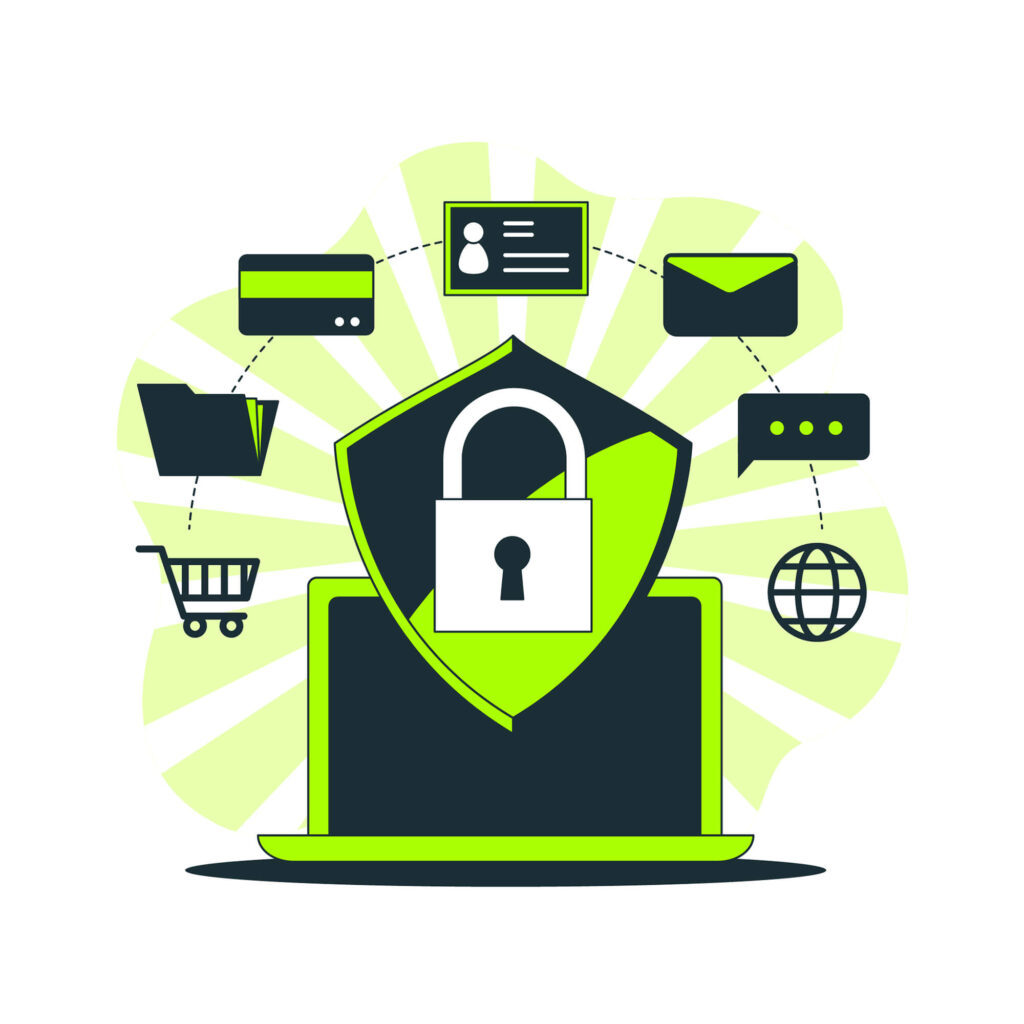
safeguard-pic

Data Shredding and Encryption: How to Safeguard Your Confidential Business Files

In the digital age, data protection is more critical than ever, especially for businesses that handle sensitive or confidential information. Cyber threats are constantly evolving, and traditional methods of deleting files may not be enough to keep hackers at bay. That’s where advanced cybersecurity features like data shredding and encryption come in.

The Risks of Inadequate Data Protection

When files are deleted in the standard way, they are often not entirely removed from your system. The data remains accessible in certain areas of your storage, making it vulnerable to recovery through specialized software. This is especially dangerous for businesses dealing with sensitive financial information, customer records, or intellectual property. Without proper protection, confidential data could easily fall into the wrong hands, leading to identity theft, data breaches, and financial losses.

What is Data Shredding?

Data shredding is a secure method of permanently erasing files from your system. Unlike regular file deletion, which only removes the reference to the file, data shredding overwrites the actual data multiple times. This process ensures that the information cannot be recovered, even with advanced recovery tools. For businesses, this means complete peace of mind knowing that sensitive files are truly gone for good when they’re no longer needed.

The Importance of Encryption

Encryption adds another layer of security by converting sensitive data into unreadable code, which can only be accessed with a decryption key. This protects your data not only from hackers but also from unauthorized users within your organization. Even if someone gains access to your encrypted files, they won’t be able to make sense of the data without the correct encryption key.

Encryption is particularly important for protecting data that is stored in the cloud, transferred across networks, or shared between multiple devices. For businesses that need to comply with industry regulations such as GDPR, HIPAA, or PCI-DSS, encryption is often a mandatory safeguard to ensure data privacy.

How Avast Business Antivirus Pro Plus – Managed Helps

Avast Business Antivirus Pro Plus – Managed offers both data shredding and encryption as part of its comprehensive suite of security tools. With its data shredding feature, you can securely delete files without worrying about them being recovered. The encryption tools provide an extra layer of protection for your business data, ensuring that only authorized users have access to sensitive information.

In addition to these powerful features, Avast Business Antivirus Pro Plus – Managed also provides real-time protection, advanced threat detection, and centralized management, making it a top choice for businesses looking to strengthen their security posture.

Click here to get Avast Business Antivirus Pro Plus – Managed and ensure your business’s data stays safe from threats!

Protection Infograph

Why an All-in-One Protection System is Essential for Your Devices

In today’s digital world, your devices are more than just tools for communication and entertainment—they store personal information, handle sensitive financial data, and act as gateways to your online presence. With the rising threats of data theft, malware, and privacy breaches, protecting your devices has never been more critical.

While basic antivirus software offers a certain level of security, it often isn’t enough to cover all aspects of protection. That’s why an all-in-one protection system is becoming the go-to solution for anyone serious about keeping their devices safe. Let’s explore why a comprehensive security suite is essential for modern-day users.

1. Complete Defense Against Malware and Viruses

Traditional antivirus software focuses mainly on detecting and removing viruses, but today’s cyber threats are far more advanced. Malware comes in various forms—ransomware, spyware, and trojans, to name a few. An all-in-one protection system provides multi-layered security, offering real-time protection that adapts to emerging threats.

Having a system that not only blocks viruses but also identifies and neutralizes other types of malware is crucial. This ensures your device remains safe from the latest cyber attacks.

2. Privacy Protection Beyond the Basics

Protecting your device doesn’t stop at malware removal. A comprehensive security system also ensures your privacy is secure. Many hackers can collect personal data without you knowing, often using your browsing history, tracking cookies, and even your IP address to build a profile on you.

Advanced protection solutions include privacy features such as anti-tracking tools that prevent companies and malicious actors from collecting your data. By regularly changing your digital fingerprint and blocking trackers, these tools ensure your personal information stays private.

3. Enhanced Online Security with VPN Encryption

Whether you’re working remotely, browsing the web, or streaming content, you leave traces of your activity online. A virtual private network (VPN) adds an essential layer of security by encrypting your data, ensuring that no third party can access your browsing information.

An all-in-one security suite typically includes a secure VPN that encrypts all your internet traffic, protecting you from hackers and ensuring your online activities remain private, especially on unsecured public Wi-Fi networks.

4. Performance Boost for Your Devices

Over time, your device collects junk files, unused apps, and system clutter that slow it down. All-in-one protection systems often come with built-in optimization tools like tune-ups and regular clean-up features. These tools scan your system, remove unnecessary files, and ensure your device runs smoothly.

Keeping your device in peak condition doesn’t just boost performance—it also extends its lifespan and prevents sluggishness that can affect productivity.

5. Hassle-Free, Centralized Management

With multiple devices connected to the internet, keeping track of security across them can be challenging. An all-in-one protection suite allows you to manage the security of all your devices from a single dashboard. Whether it’s your smartphone, tablet, or computer, having a centralized solution simplifies the process of managing updates, scanning for threats, and optimizing performance.

By ensuring every device is up-to-date with the latest security patches, you’re better protected against emerging threats, and you can easily monitor the status of your entire network.

In conclusion, a basic antivirus software may offer some protection, but a comprehensive all-in-one protection system covers all aspects of device security, privacy, and performance. From shielding you from sophisticated malware attacks to ensuring your personal information is safe and secure, an all-in-one solution is essential for safeguarding your digital world.

Want to secure all your devices with a powerful, all-in-one protection system? Click here to explore an advanced security solution that provides complete defense, privacy protection, and performance optimization.